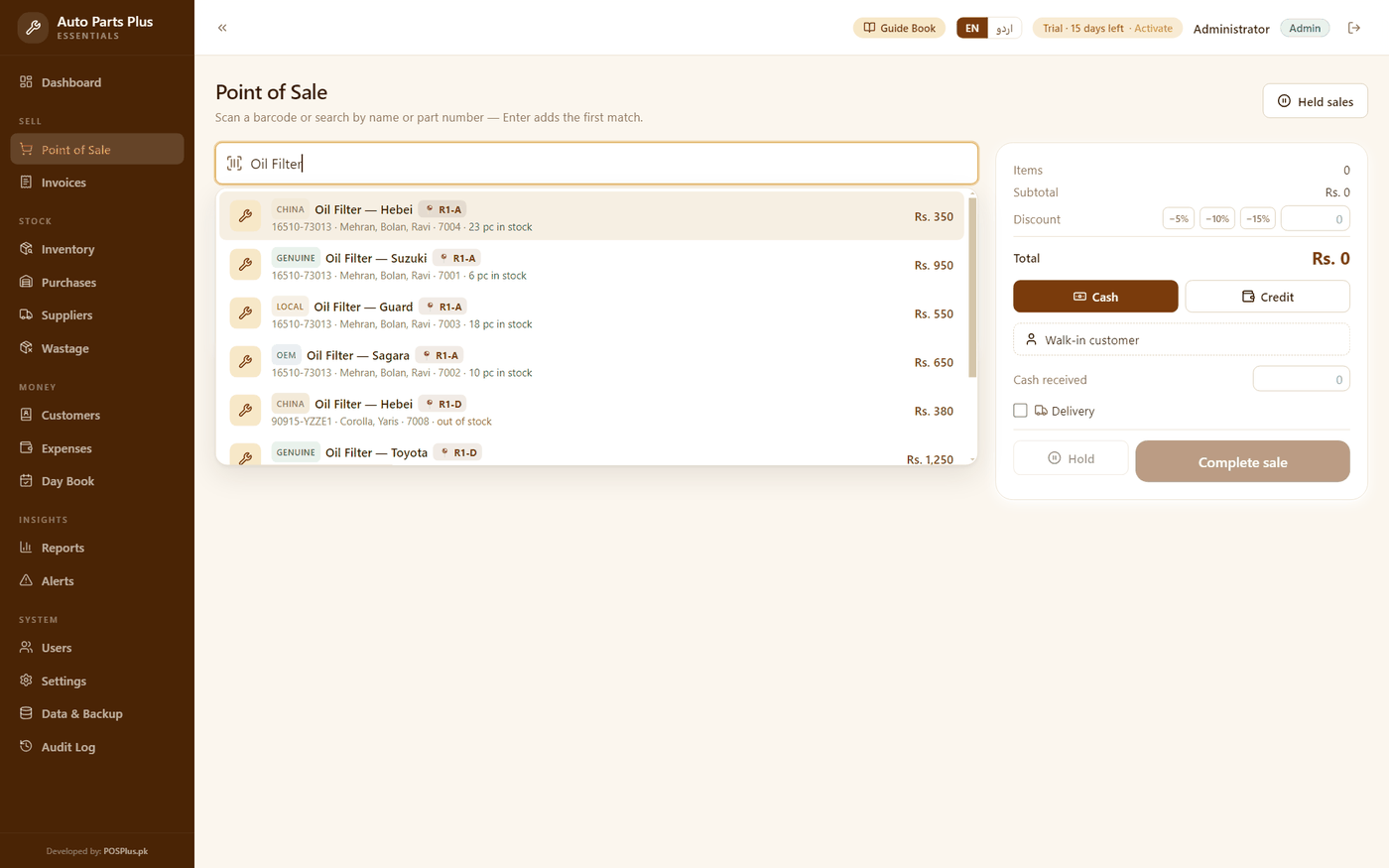
Auto Parts Plus
For auto parts shops — every number, every grade, every rack.
Search by part numberFour grades, four pricesThe 📍 rack chip
Billing, stock, khata and profit for a shop where the same piece goes to a parent buying one and a shopkeeper buying a dozen. Set the trade rate once and the cart works it out — and tells the customer how many more it takes. Fast, offline, and yours for one payment.
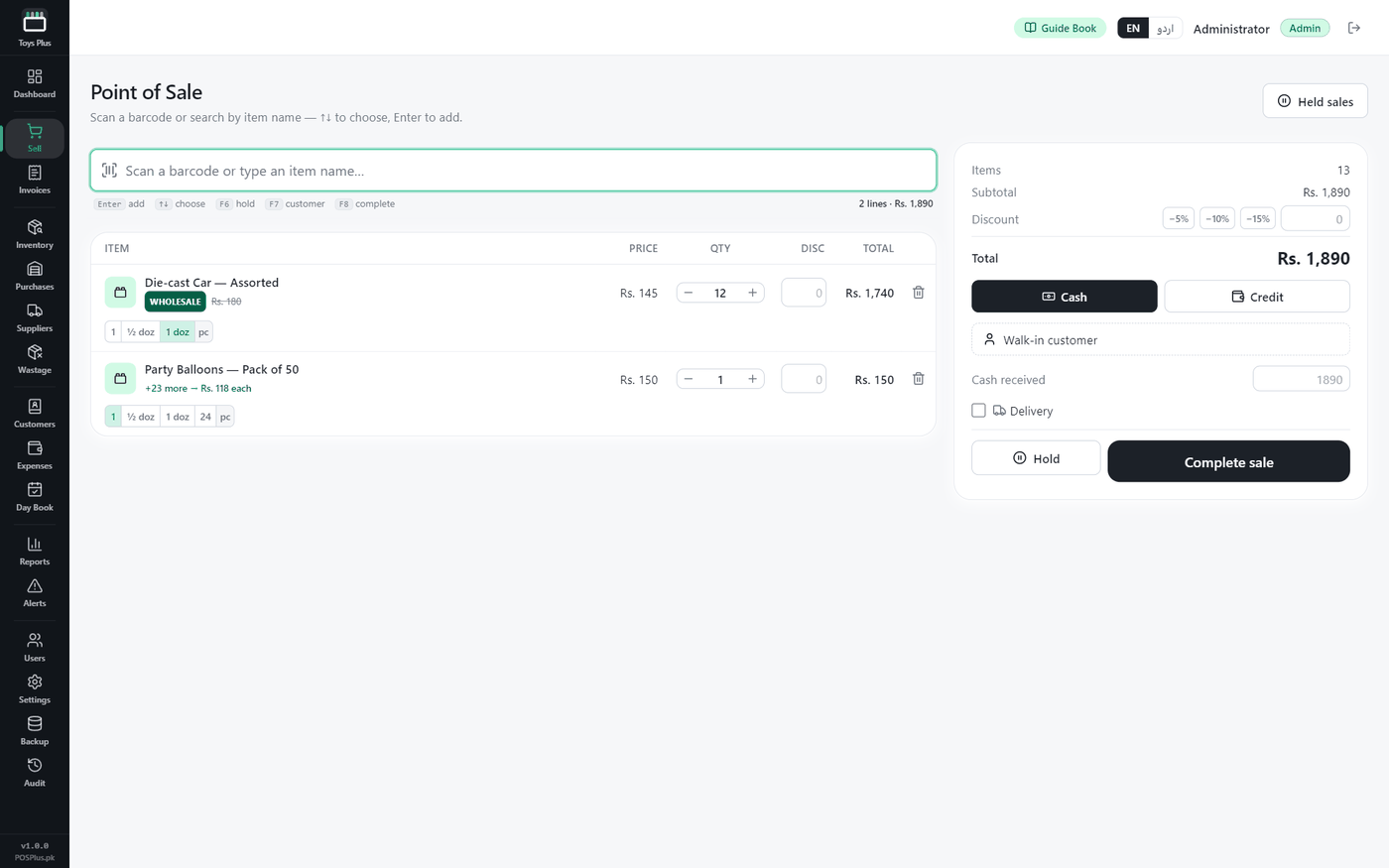
The counter answers at a glance:
…every way a toy counter actually quotes
Built for how Toys Plus customers actually sell — not generic retail rows.
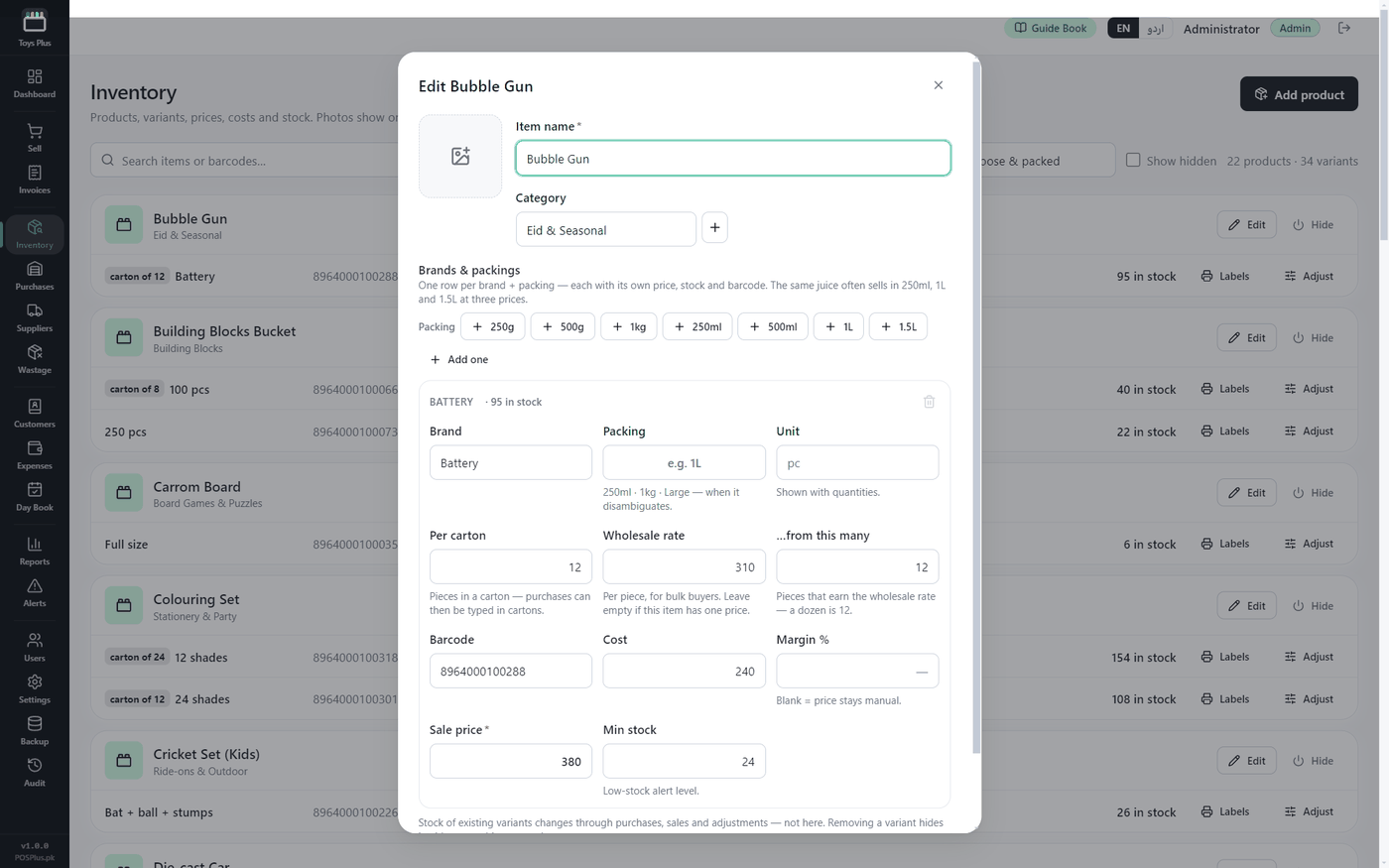
The same piece goes to a parent buying one and to a shopkeeper buying a dozen. Set the trade rate and how many pieces earn it, and the cart switches by itself — no second price list, no separate shop.
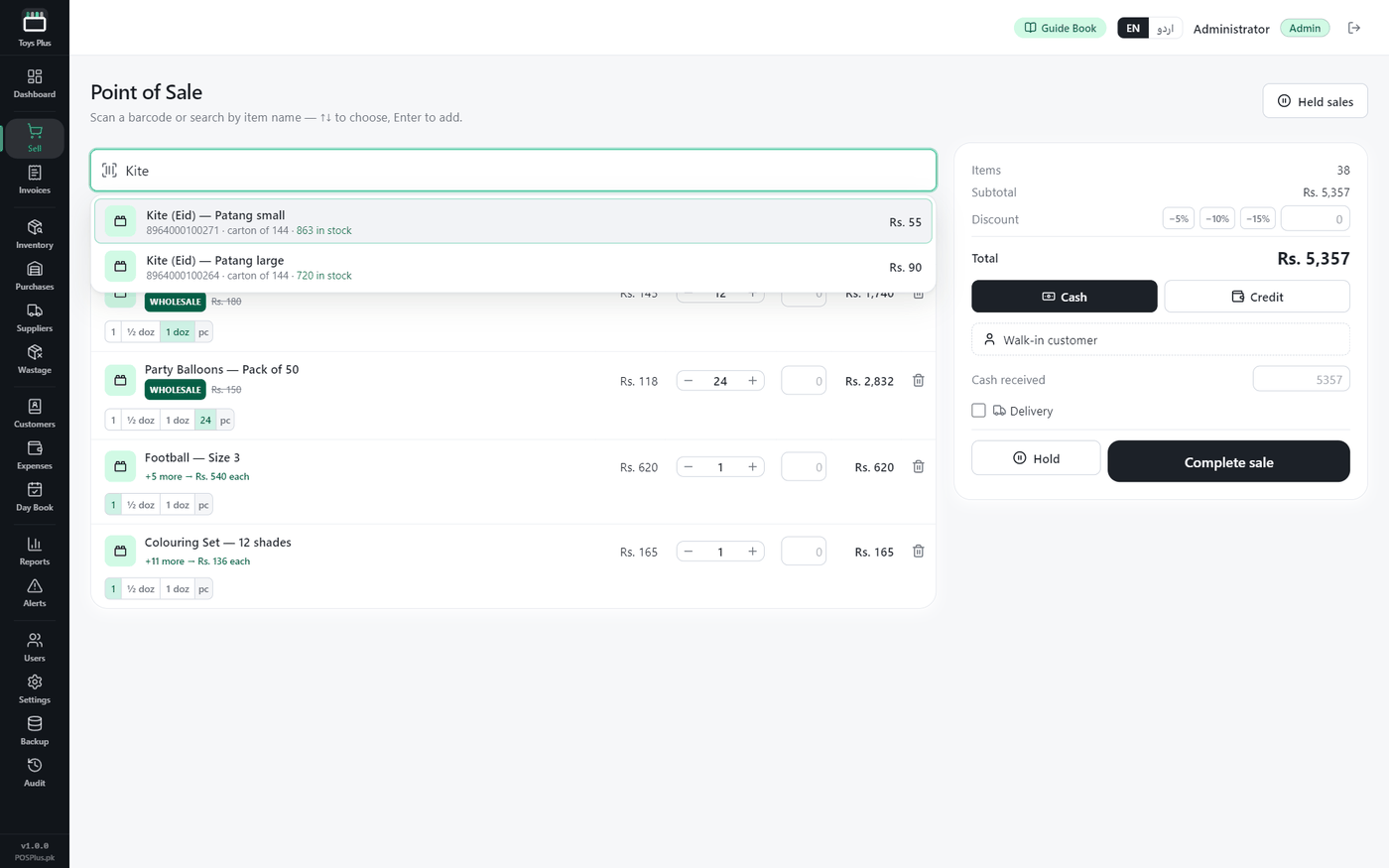
The line that has not reached its break says exactly how many more it takes and what the rate becomes. Your customer's own question, answered before he asks it — and that sentence is what sells a dozen.
Cross the break and the cart shows a WHOLESALE chip with the retail price struck through. Go back to eleven and it returns to retail. Nobody has to remember whose bill was a trade bill.
The scan bar stays under the header with the caret in it and never opens a dialog during billing. F6 hold, F7 customer, F8 complete — printed on the chrome, and the keys really work.
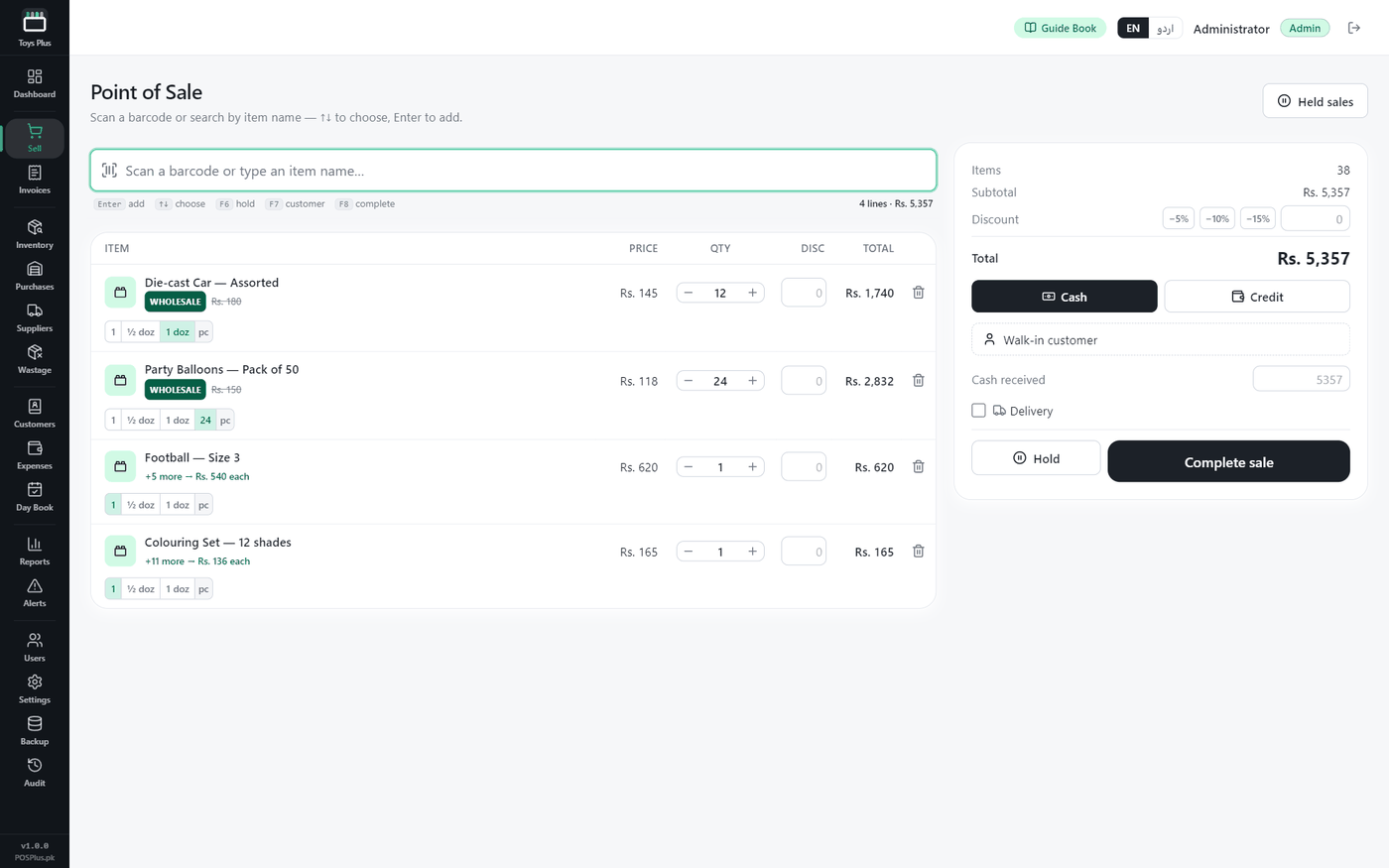
Under every item: 1 · ½ doz · 1 doz — plus that item's own break. Kites go by the gross, balloons by twenty-four, board games by three. Tap the number instead of typing it.
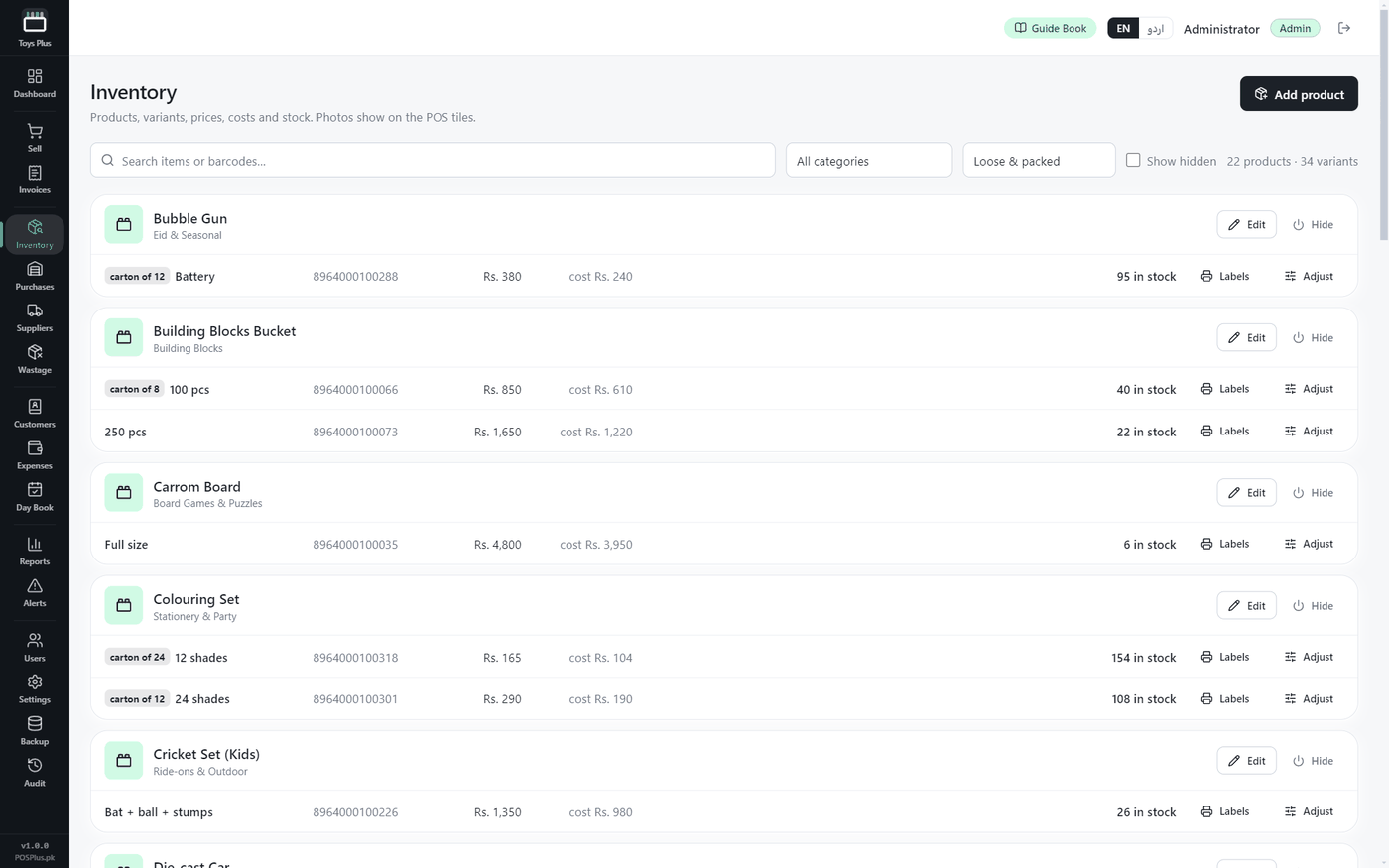
Colours, sizes and pack counts as proper variants of one article, so two Eid kites that differ only by barcode never merge into one row and never confuse a counter on the busiest day of the year.
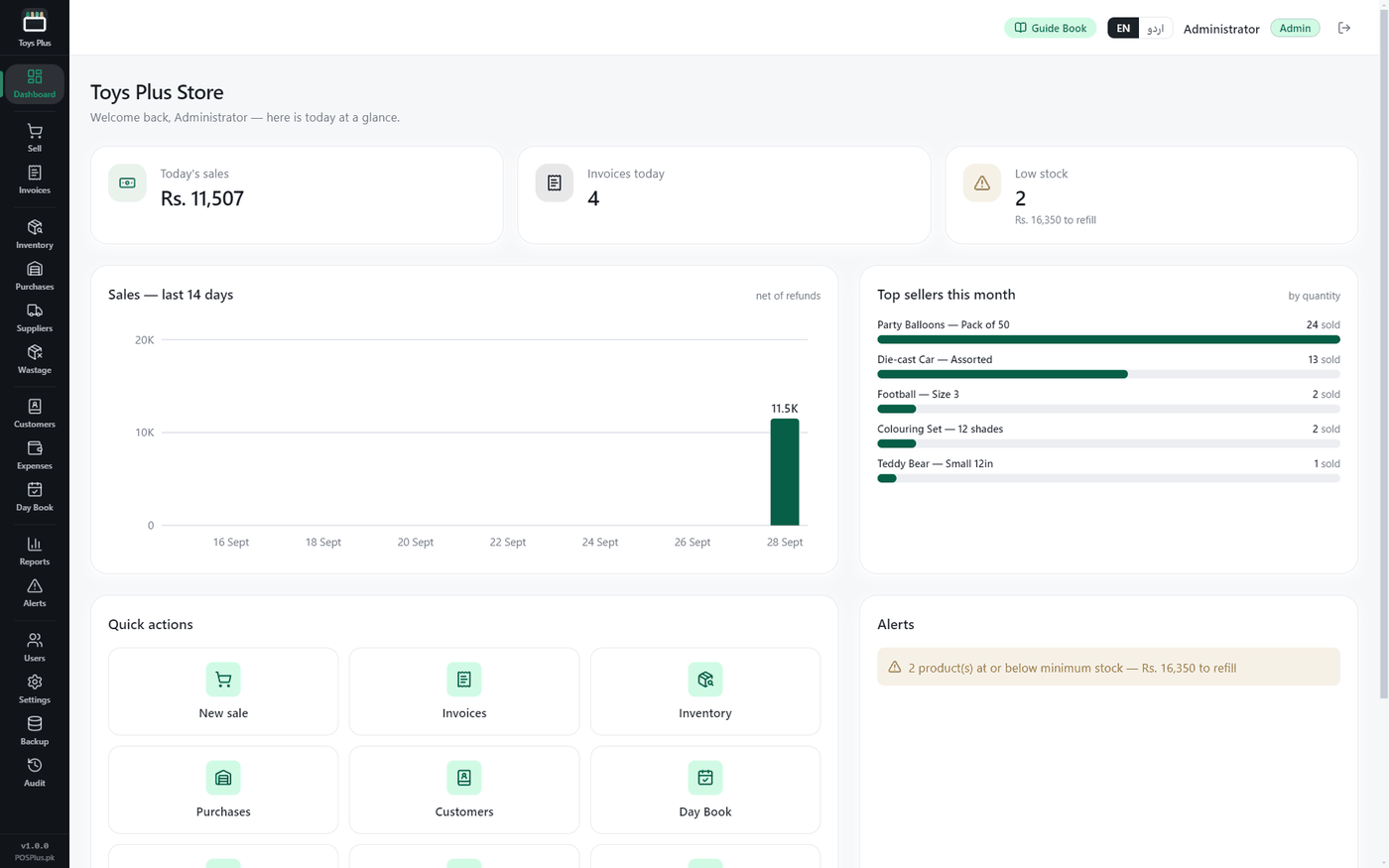
Not just “7 items low”. It tells you the rupees it takes to refill to your own minimum, at your own cost — a purchase order before Eid, not an anxiety.
The shopkeepers who buy by the dozen buy on credit. Proper ledgers — balances, receipts, advances, pichla baqaya printed on the bill. Take part payment at the counter and the rest goes to the khata, split correctly.
Stock arrives in cartons and leaves as single pieces. Enter the purchase the way the invoice is written and the shelf counts in pieces underneath, so nothing has to be divided in your head.
No internet? No problem. Billing, stock, khata and reports run on your own computer — load-shedding proof, and your shop's data never leaves it.
Every screen, the bill and the whole guide book in both — switch with one tap. Your staff read it in the language they think in.
Daily sales, cost of goods, gross and net profit — computed from what each piece actually cost you, whether it went out at the retail rate or the trade one. A dozen at a lower rate is still a margin you can see.
A mother buys one die-cast car at Rs. 180. An hour later a shopkeeper from the next bazaar buys twelve, and he is not paying Rs. 180 each — he never was. In every other program that means two price lists, or a rate typed in by hand every time and remembered wrong on the day the shop is busiest. Toys Plus keeps one item with two rates: type the trade rate and how many pieces earn it, and the cart decides which one this customer is getting, every single line, by itself.
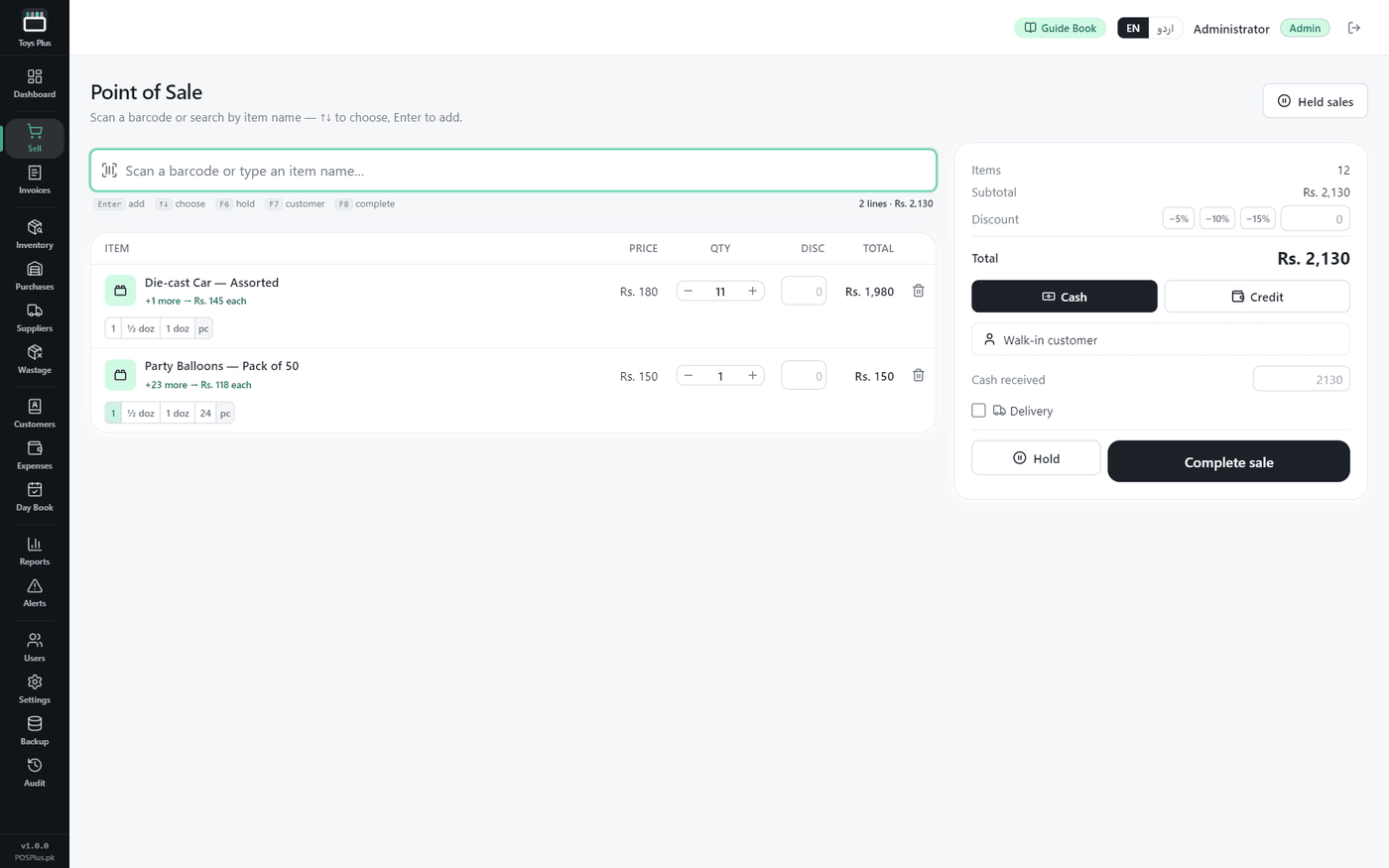
Every image is a real capture from the running software — no mockups.
 Demo video coming soon
Screenshots above are real captures from the app — the 40-second tour is on its way.
Install Toys Plus and use everything free for 15 days — no card, no signup.
Bank transfer — account details right on this page. One-time price, no monthly fees, ever.
Send your name, machine code and receipt — your key arrives fast. Paste it in the app, done forever.
Full features for 15 days. Installs on any Windows 10/11 PC in under a minute.
Toys-Plus-Setup.exe
v1.0.0 · 124.1 MB · Windows 10/11
Windows may show a blue “SmartScreen” notice — click More info → Run anyway. It appears because we’re a new publisher, not because anything is wrong.
Rs. 35,000 Lifetime · one computer · no monthly fees
Your key is locked to this one computer by its machine code and works forever — activation takes one paste in the app.
Same offline engine, same one-time price — each built for its own trade.
For auto parts shops — every number, every grade, every rack.
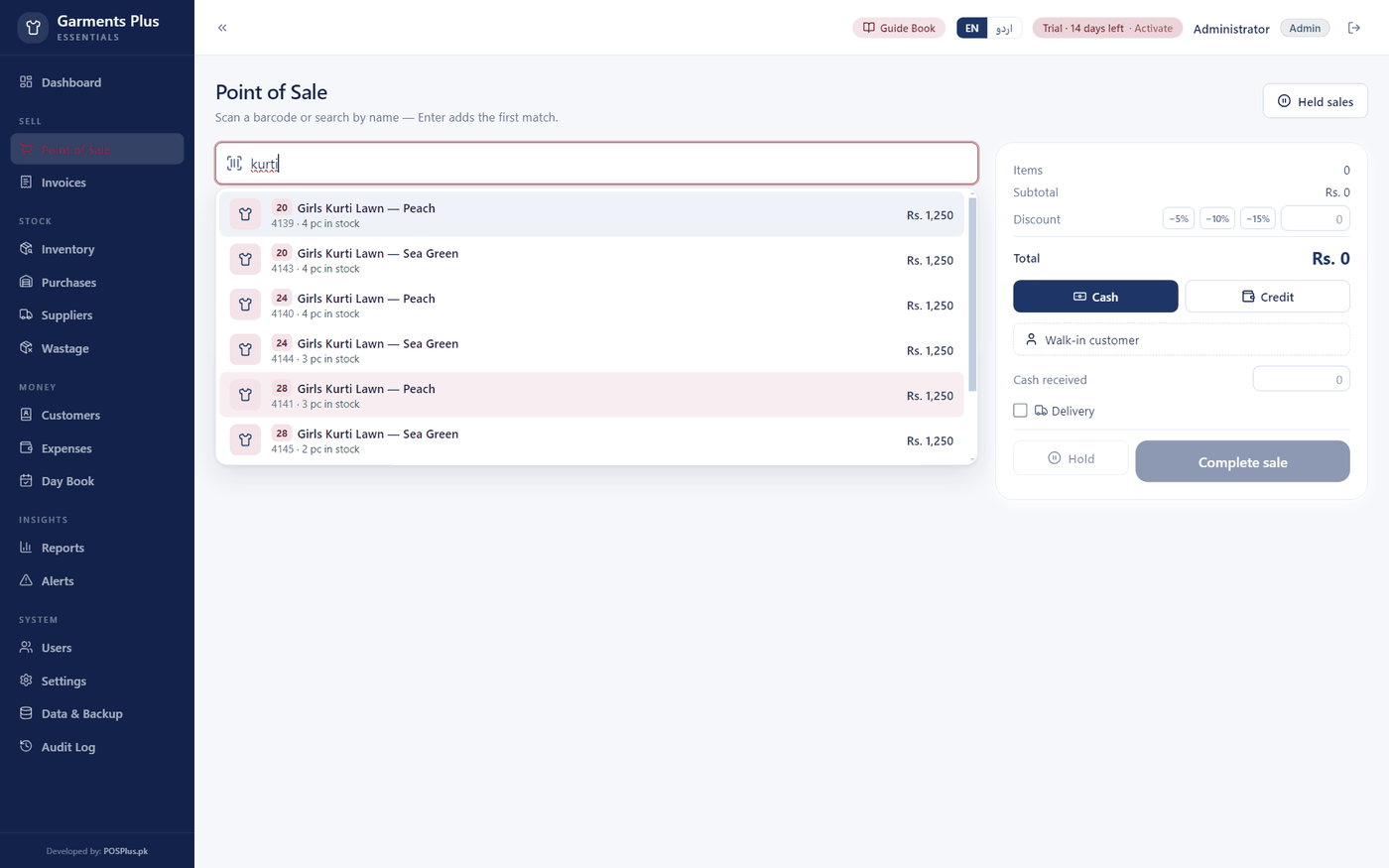
For garments stores — men, women & kids.
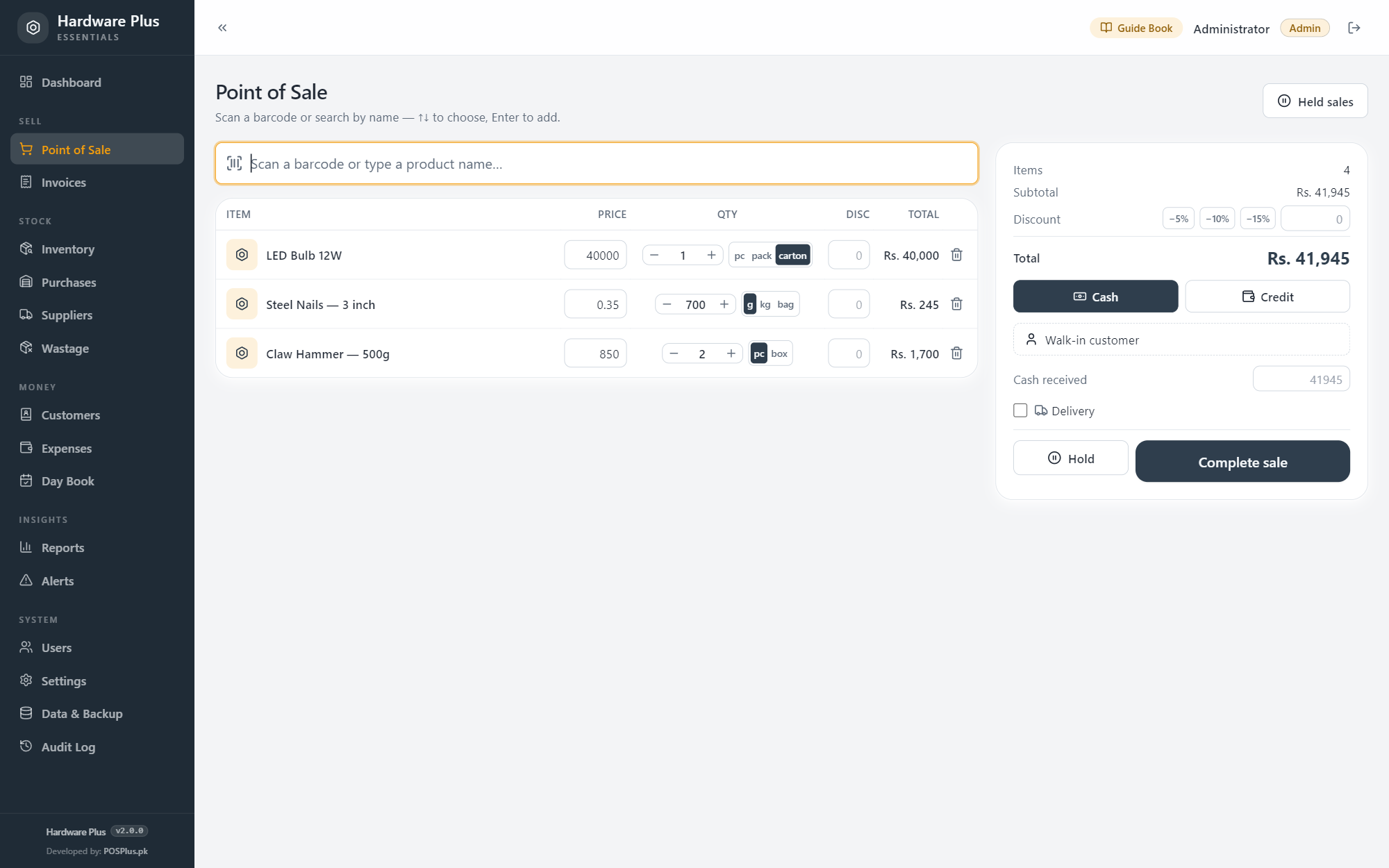
For hardware shops — one item, three prices, one honest stock figure.
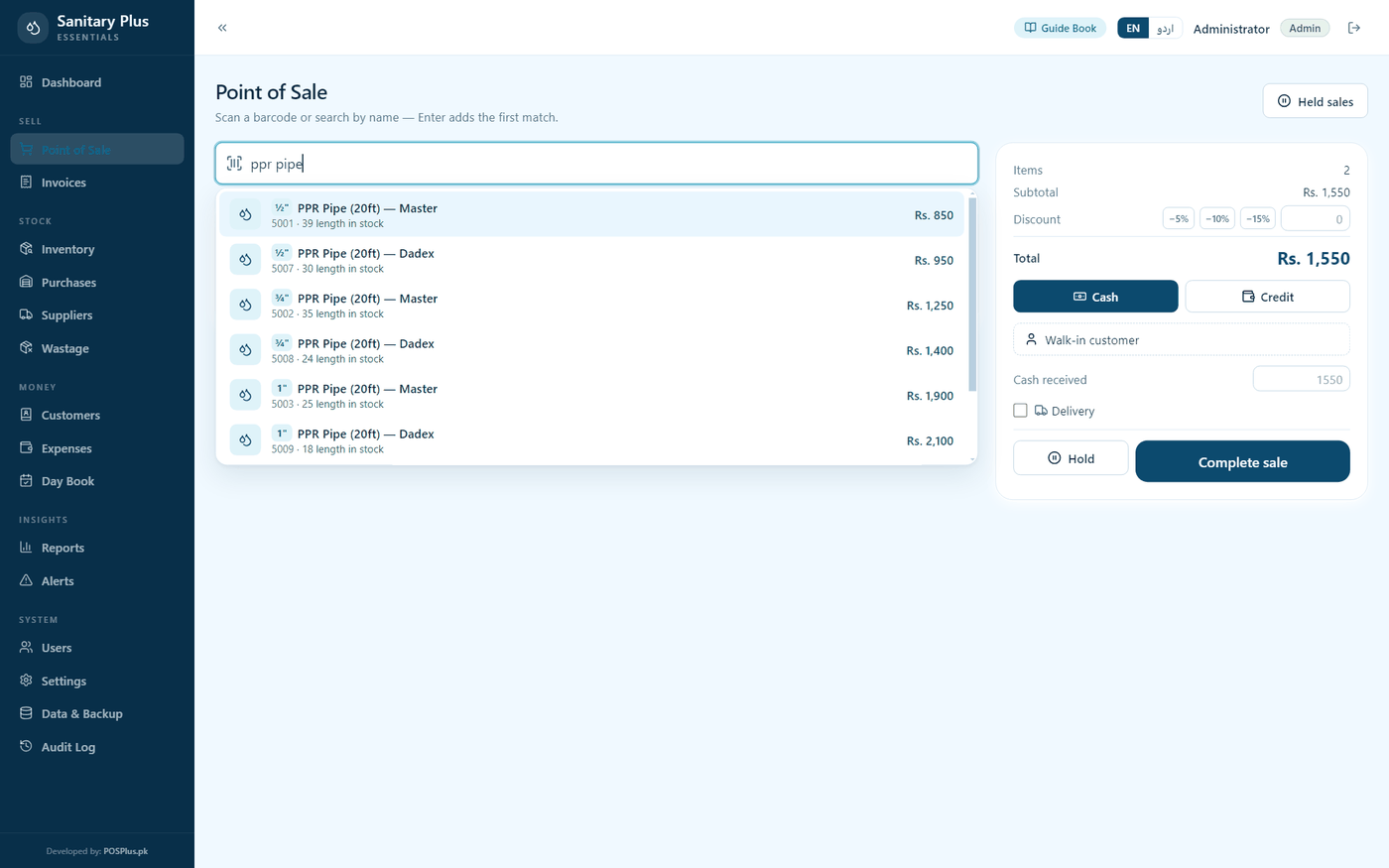
For sanitary & plumbing stores.
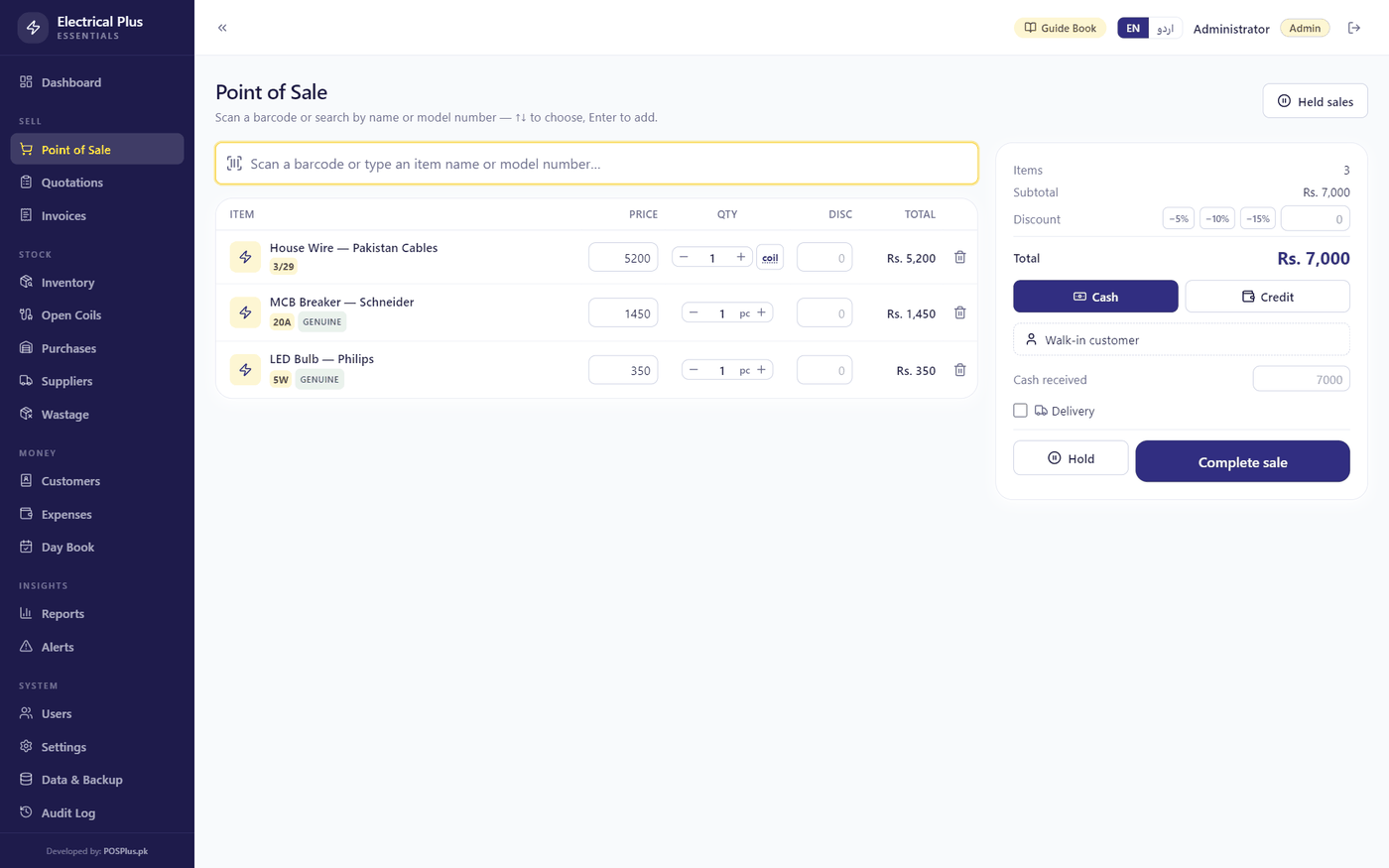
For electrical goods shops — wire by the meter, quotes by the house.
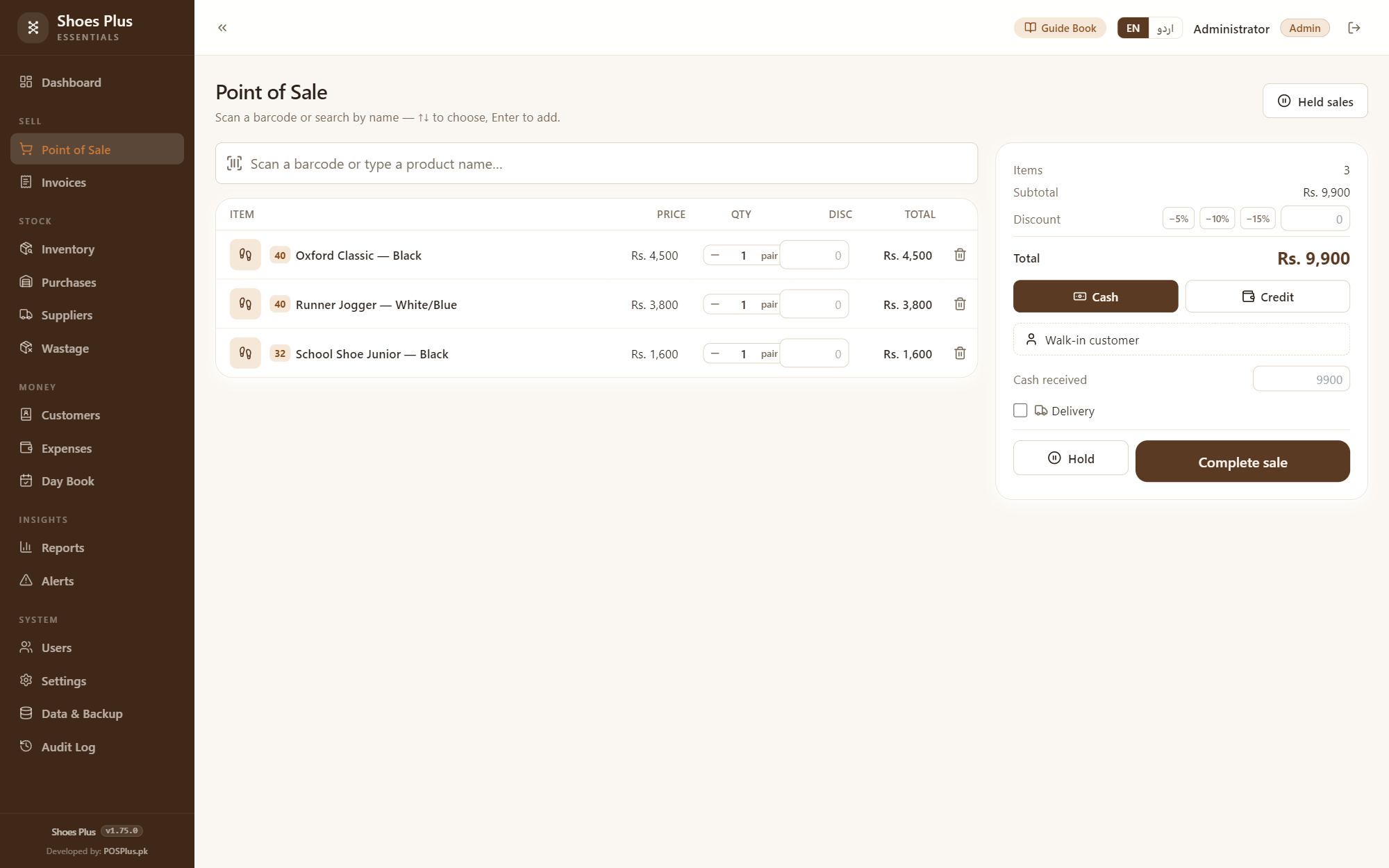
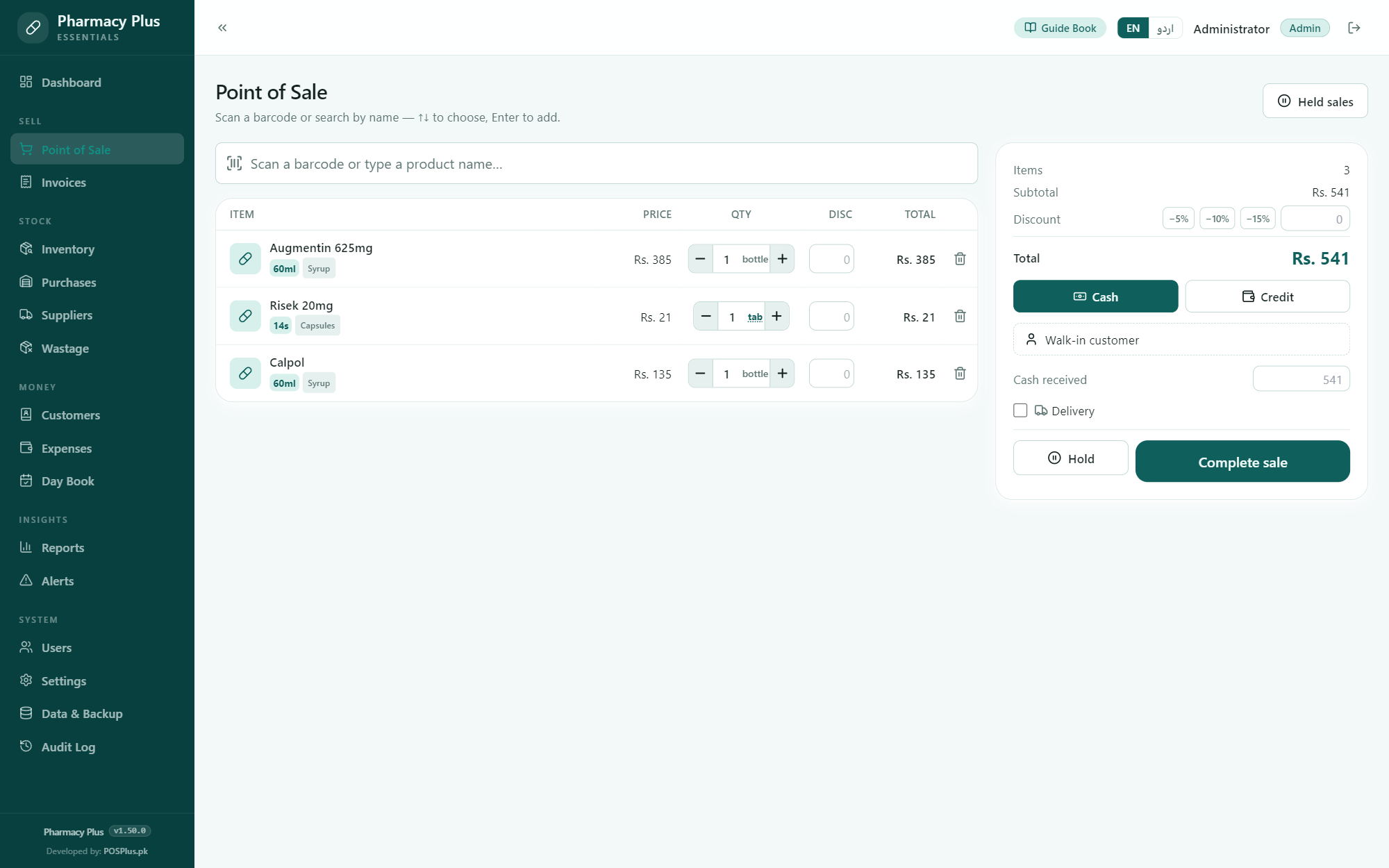
For medical stores — batches, expiry & khata.
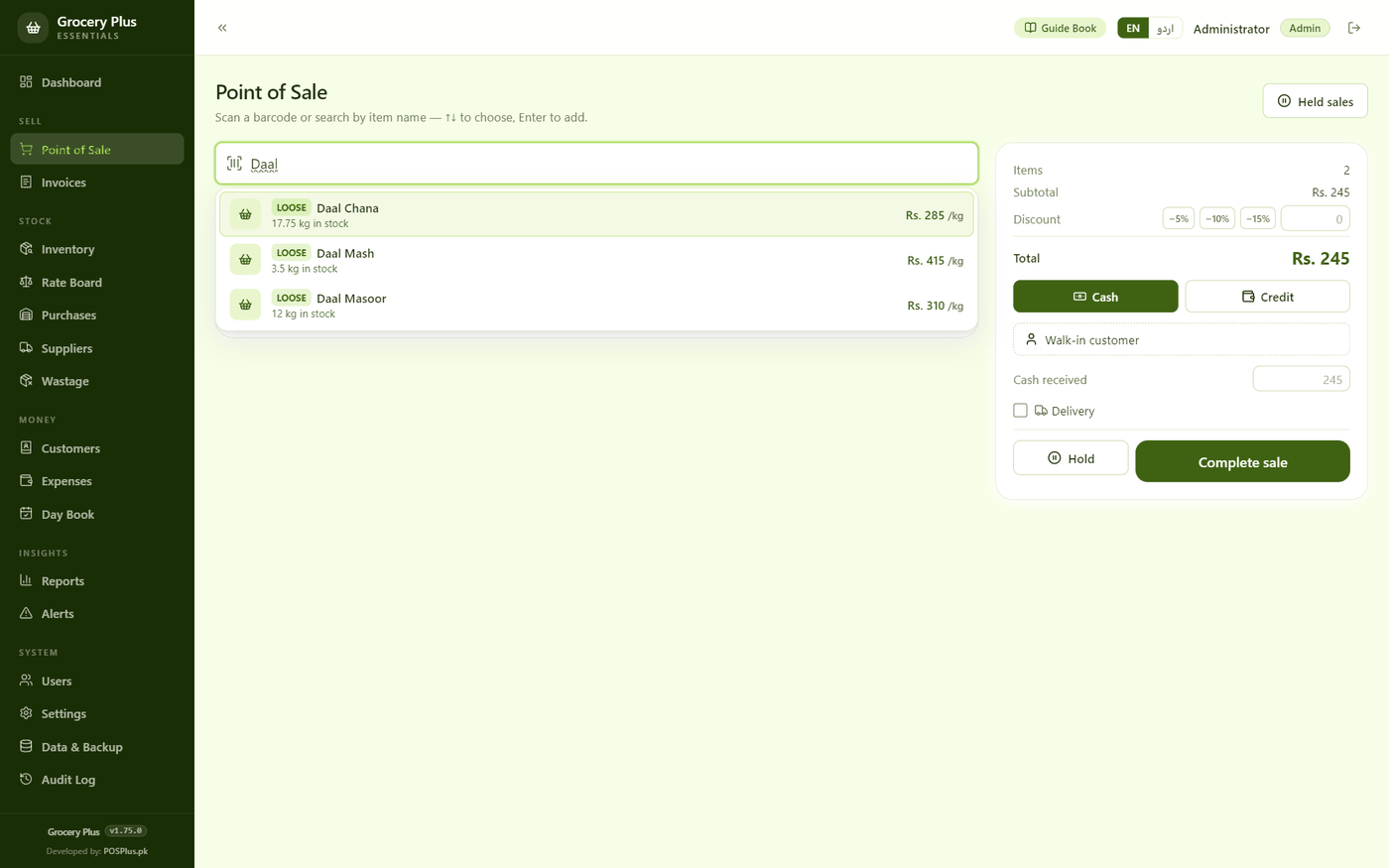
For kiryana & grocery stores — the tarazu, the rate board & the khata.
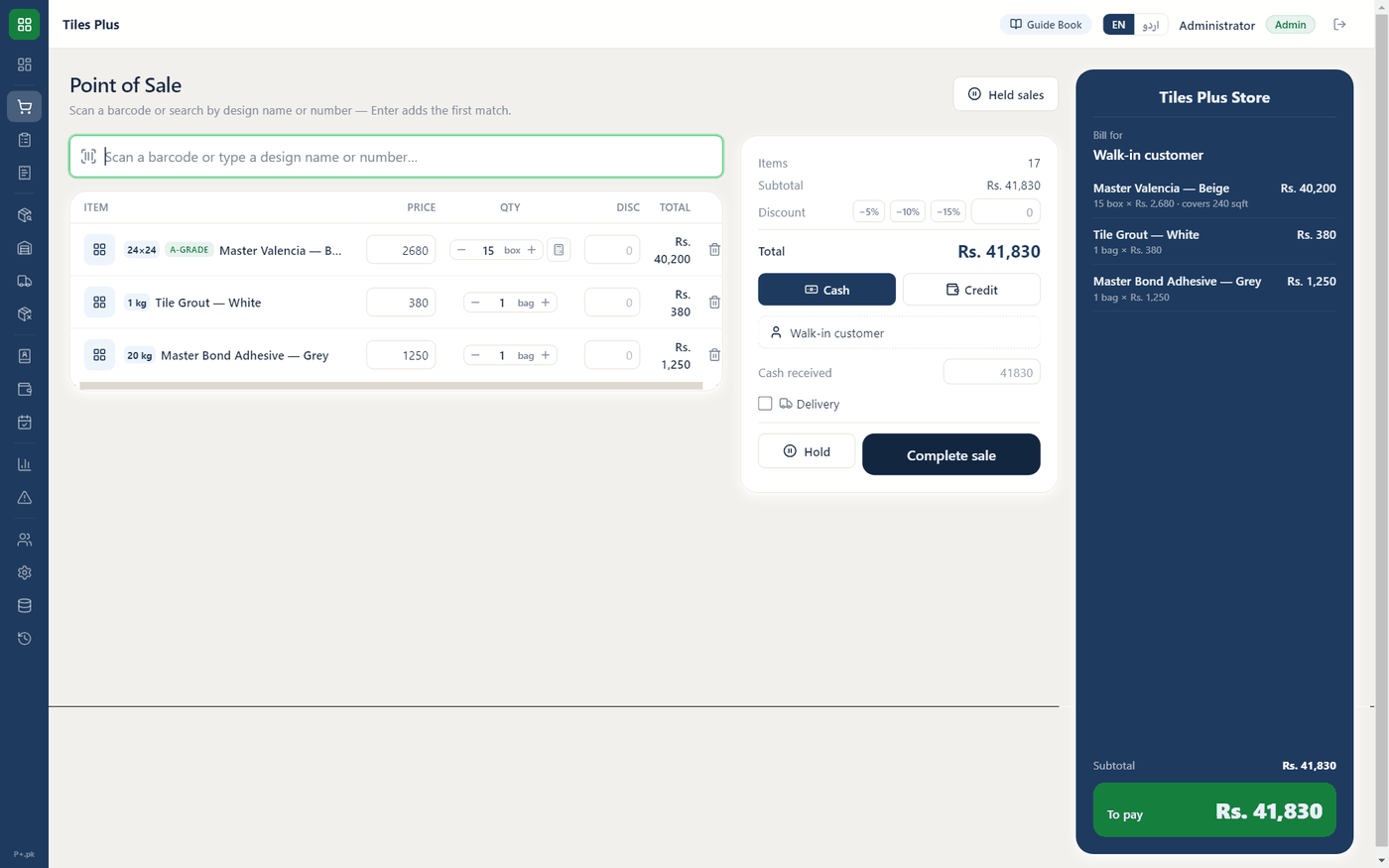
For tile & ceramics shops — sqft to boxes, A/B grades & whole-house estimates.
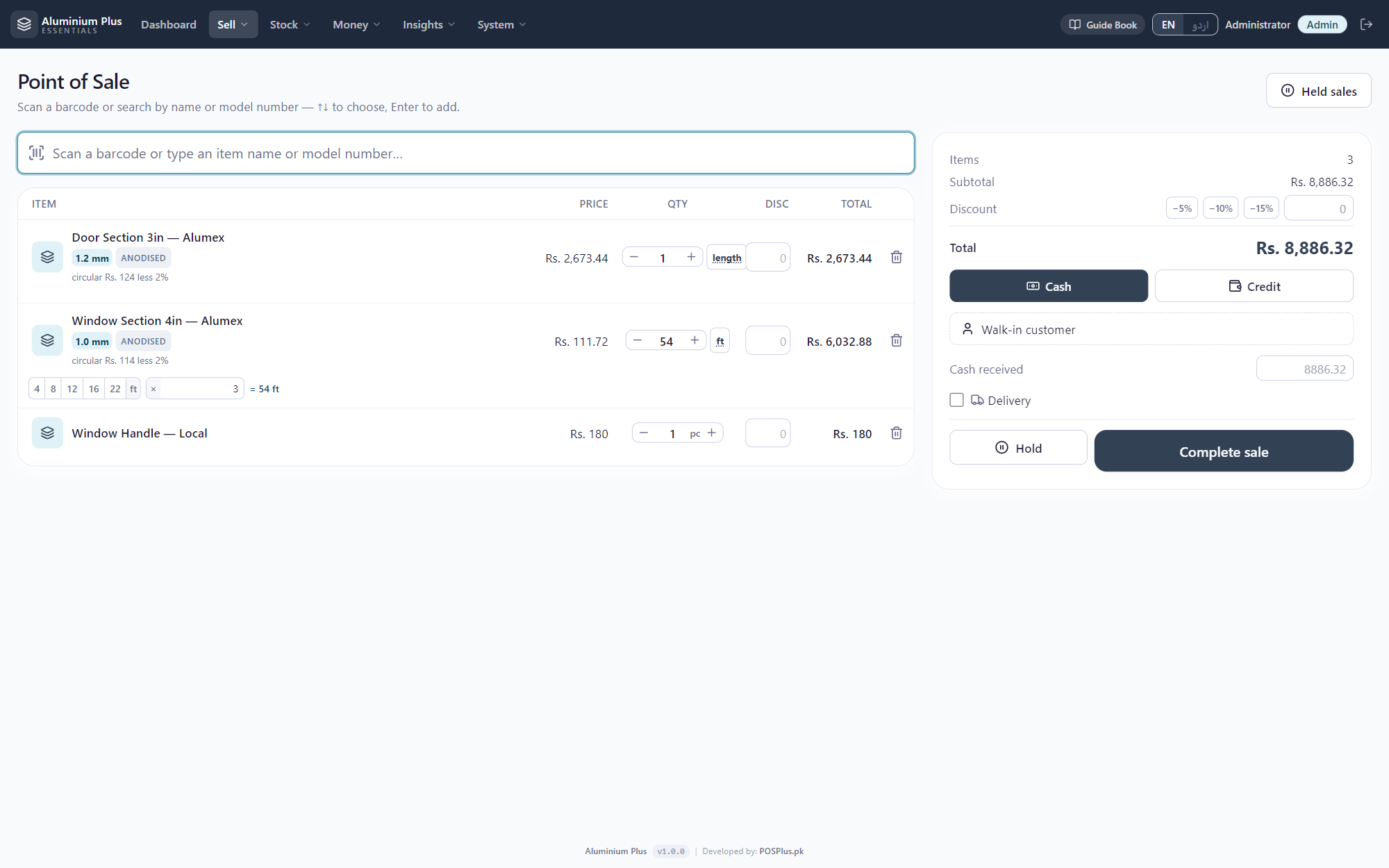
For aluminium & glass shops — cut to any length, priced off the circular, and the offcut is still money.
No — one item carries both. Put your trade rate on it and say how many pieces earn it, and the cart does the rest: below that quantity the customer pays retail, at it or above it the trade rate applies with the retail price shown struck through. The comparison is “at or above”, so a shopkeeper who asks for a dozen gets the dozen rate on the twelfth piece, not the thirteenth.
The rate goes back up to retail on the spot. It recomputes in both directions, which matters more than it sounds — a rate that only ever fell would hand a bulk discount to somebody who did not buy in bulk.
Not through the cart. The selling rate is worked out again on your own computer when the bill is completed, from the item's own numbers — so what the screen showed can never be what decides the bill. Changing a price by hand is a separate permission you grant or withhold, and every use of it is written to the audit log with his name on it.
No. Leave it empty and that item sells at one rate to everybody — the big teddy and the baby walker in the sample shop are exactly that. What the software will not accept is half of it: a trade rate with no quantity would sell your whole shop at trade rates, and a quantity with no rate does nothing while looking configured.
Completely. Toys Plus runs on your own computer — billing, stock, khata, reports, backups. Nothing needs a connection, and your shop's data never leaves your machine.
One time. No monthly fee, no renewal, no per-user charge. Try everything free for 15 days first — no card, no signup.
Yes. That blue notice is Microsoft SmartScreen being cautious with software from new publishers — every new Windows app shows it until enough people have installed it. Click “More info”, then “Run anyway”, and installation continues normally. The installer you download from this page is exactly the one we built.